跳到主要内容
H3 Max
CvsG

Cursor 和 GitHub Copilot 哪个好?

Cursor is a whole AI-first editor with project-wide agent edits; GitHub Copilot is an add-on that works inside the editor you already use, VS Code and JetBrains included.

Cursor 和 GitHub Copilot 一览

CursorGitHub Copilot
价格免费 + 付费免费 + 付费
平台Windows, macOS, LinuxWindows, macOS, Linux, Web
开发者AnysphereGitHub (Microsoft)
分类AI 编程助手AI 编程助手
适合
  • Daily software development
  • Refactoring large codebases
  • Prototyping
  • Writing code faster
  • Learning unfamiliar code
  • Automating small issues
最后核对2026-10-232026-10-23

Cursor 是什么?

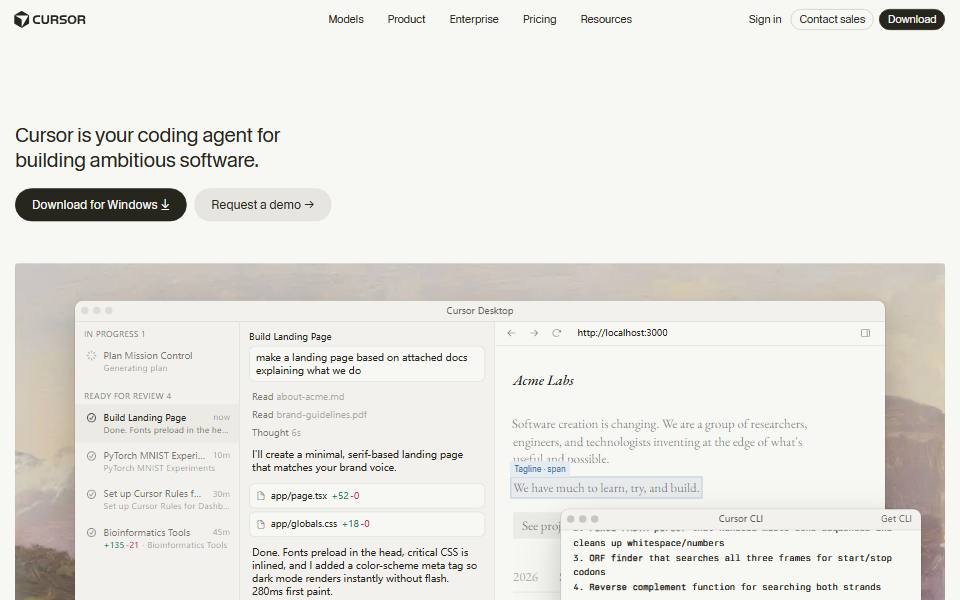
Cursor is a code editor built on VS Code with AI at its center. Its tab completion predicts multi-line edits, and its agent reads your codebase, makes changes across files, runs commands and fixes errors.

You can pick from leading models, and background agents can work on tasks in parallel while you keep coding.

主要功能

  • Multi-line tab predictions
  • Codebase-aware agent
  • Multi-file edits
  • Choice of models
  • VS Code extensions compatible

GitHub Copilot 是什么?

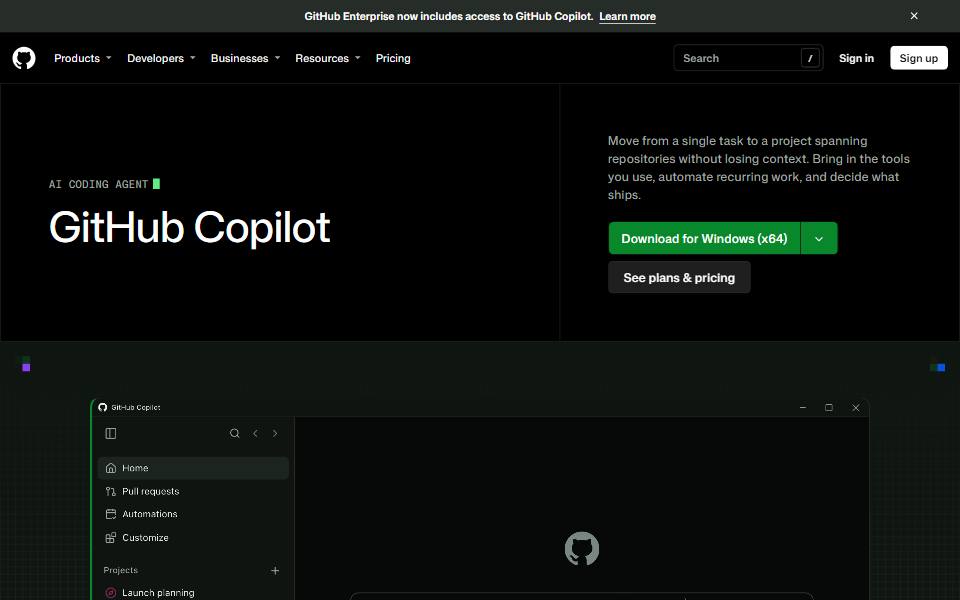
GitHub Copilot suggests code as you type in VS Code, JetBrains IDEs, Visual Studio and more, and answers questions in a chat that knows your project. Agent mode makes multi-file changes and runs tests.

On GitHub itself, the coding agent can take an issue, work on it in the background and open a pull request for review.

主要功能

  • Inline code completions
  • Chat in the IDE
  • Agent mode
  • Coding agent that opens PRs
  • Code review

Cursor 和 GitHub Copilot 的主要区别

我们的看法:Cursor 还是 GitHub Copilot?

Choose Cursor if you are happy to switch editors for deeper AI help: it understands your whole repository and its agent can plan and apply changes across many files. Choose GitHub Copilot if you want to stay in VS Code, JetBrains, Visual Studio or Xcode, or your company already buys GitHub seats. Copilot's agent and chat have caught up a lot, so the editor you prefer often decides it.

Cursor 和 GitHub Copilot 的价格

Cursor · 免费 + 付费

Cursor 有免费版,付费版提供更多用量和功能。

GitHub Copilot · 免费 + 付费

GitHub Copilot 有免费版,付费版提供更多用量和功能。

套餐和价格经常变化,付费前请分别查看两家的官方价格页。

该选 Cursor 还是 GitHub Copilot?

这些需求选 Cursor:

  • Daily software development
  • Refactoring large codebases
  • Prototyping
查看 Cursor 的替代品

这些需求选 GitHub Copilot:

  • Writing code faster
  • Learning unfamiliar code
  • Automating small issues
查看 GitHub Copilot 的替代品

Cursor 和 GitHub Copilot 常见问题

Cursor 免费吗?
Cursor 有免费版,付费版提供更多用量和功能。
GitHub Copilot 免费吗?
GitHub Copilot 有免费版,付费版提供更多用量和功能。
Cursor 和 GitHub Copilot 有 API 吗?
两者都没有公开 API,只能在各自的应用里使用。
Cursor 和 GitHub Copilot 有手机 App 吗?
两者都没有手机 App。Cursor 支持 Windows, macOS, Linux,GitHub Copilot 支持 Windows, macOS, Linux, Web。
daily software development,Cursor 和 GitHub Copilot 哪个更合适?
Cursor 把它列为主要用途(daily software development, refactoring large codebases, prototyping);GitHub Copilot 更侧重于writing code faster, learning unfamiliar code, automating small issues。
writing code faster,Cursor 和 GitHub Copilot 哪个更合适?
GitHub Copilot 把它列为主要用途(writing code faster, learning unfamiliar code, automating small issues);Cursor 更侧重于daily software development, refactoring large codebases, prototyping。
Cursor 和 GitHub Copilot 支持哪些平台?
Cursor 支持 Windows, macOS, Linux。GitHub Copilot 支持 Windows, macOS, Linux, Web。
Cursor 和 GitHub Copilot 还有哪些替代品?
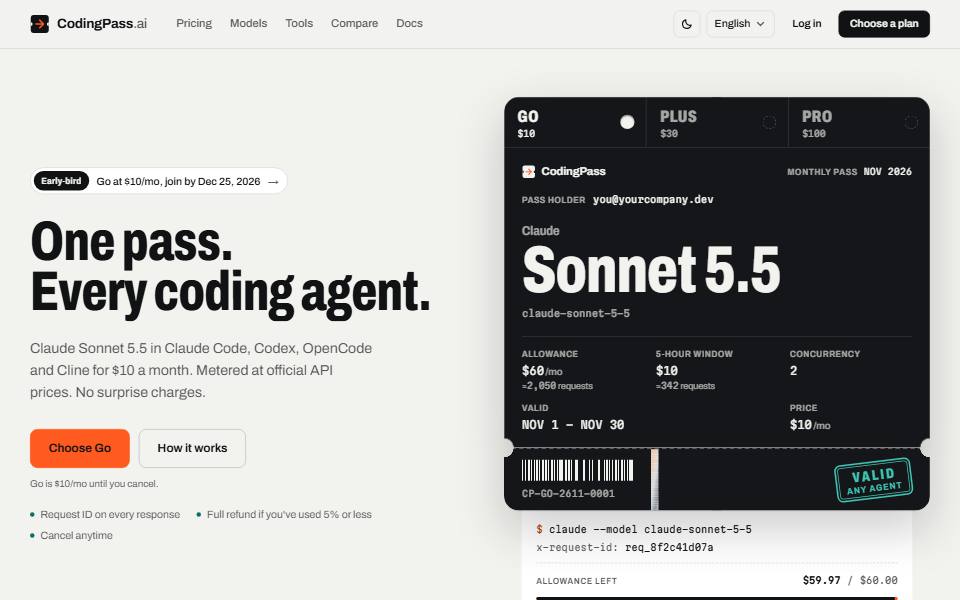
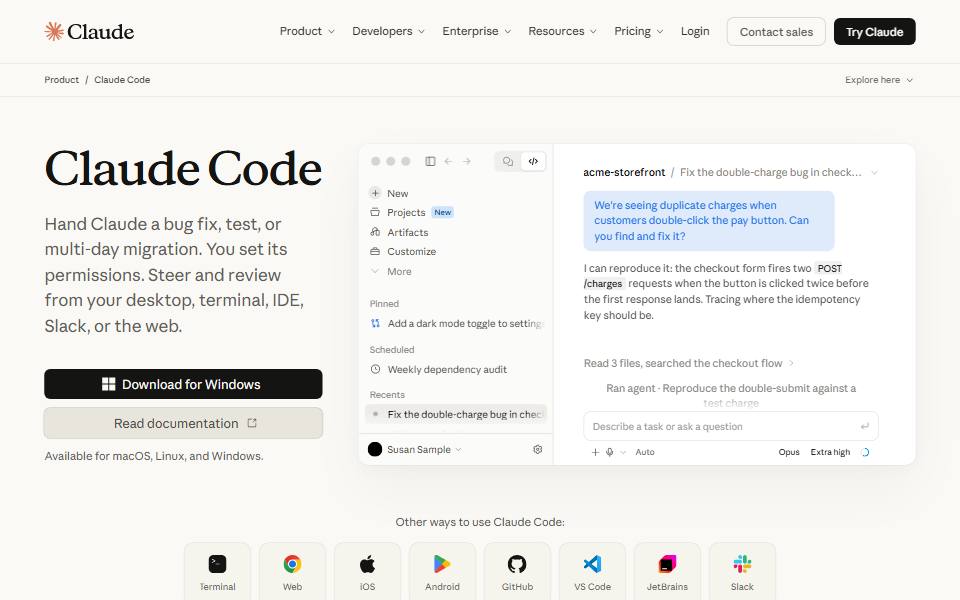
其他值得一看的「AI 编程助手」:CodingPass, Claude Code, Cline, Devin, Tabnine, Windsurf。
我们是怎么对比 Cursor 和 GitHub Copilot 的?
我们根据两家的官网和文档,对比了各自能做什么、怎么收费、支持哪些平台、适合做什么。两条收录最后核对于 2026-10-23;套餐和功能会变化,订阅前请以官网为准。

由 H3 Max 团队根据公开信息撰写。价格和功能会变化,购买前请以官网为准。

相关对比

更多「AI 编程助手」