Skip to content
H3 Max
CvsW

Cursor vs Windsurf: Which Is Better?

Both are VS Code-based AI editors with agents. Cursor has the larger user base and model choice; Windsurf focuses on its Cascade agent flow and a gentler price.

Cursor vs Windsurf at a glance

CursorWindsurf
PricingFreemiumFreemium
PlatformsWindows, macOS, LinuxWindows, macOS, Linux
Made byAnysphere—
CategoryAI Coding AssistantsAI Coding Assistants
Best for
  • Daily software development
  • Refactoring large codebases
  • Prototyping
  • Software development
  • Building features with an agent
Last reviewed2026-10-232026-10-23

What is Cursor?

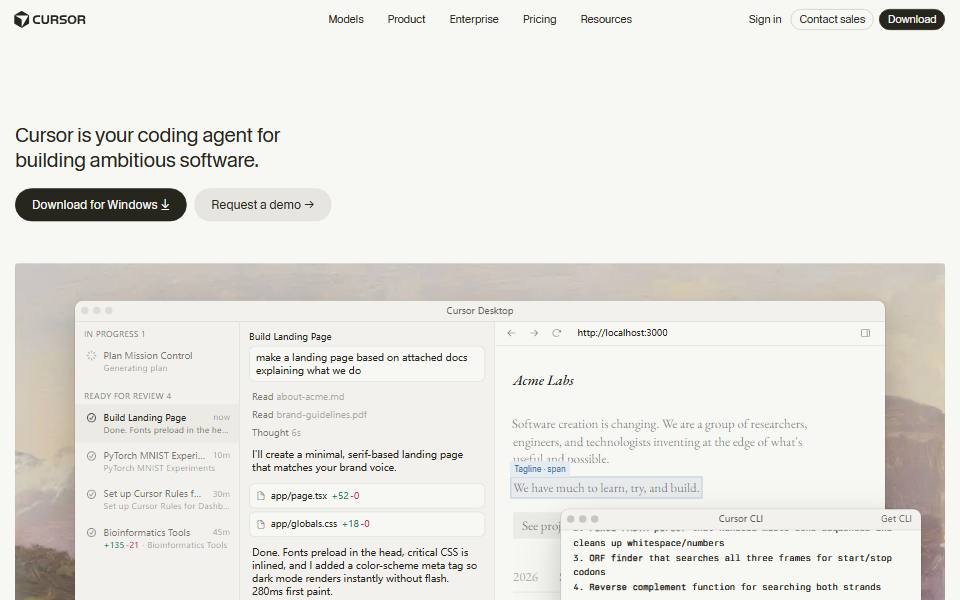
Cursor is a code editor built on VS Code with AI at its center. Its tab completion predicts multi-line edits, and its agent reads your codebase, makes changes across files, runs commands and fixes errors.

You can pick from leading models, and background agents can work on tasks in parallel while you keep coding.

Key features

  • Multi-line tab predictions
  • Codebase-aware agent
  • Multi-file edits
  • Choice of models
  • VS Code extensions compatible

What is Windsurf?

Windsurf is an AI-native IDE whose Cascade agent keeps track of what you are doing, edits across files and runs terminal commands. It also offers fast autocomplete and plugins for other editors.

Windsurf grew out of the Codeium coding assistant.

Key features

  • Cascade agent
  • Multi-file editing
  • Autocomplete
  • Terminal commands
  • Editor plugins

Key differences between Cursor and Windsurf

Our take: Cursor or Windsurf?

The two are close cousins: both are forks of VS Code with autocomplete, chat and an agent that edits multiple files. Cursor has the bigger community, more model options and fast iteration; Windsurf's Cascade agent keeps more context about what you are doing and its plans are often cheaper. Your existing VS Code extensions and settings carry over to either, so a week's trial of each is the best test.

Cursor vs Windsurf pricing

Cursor · Freemium

Cursor has a free plan; paid plans unlock more usage and features.

Windsurf · Freemium

Windsurf has a free plan; paid plans unlock more usage and features.

Plans and prices change often; check both official pricing pages before you pay.

Should you choose Cursor or Windsurf?

Choose Cursor for:

  • Daily software development
  • Refactoring large codebases
  • Prototyping
See Cursor alternatives

Choose Windsurf for:

  • Software development
  • Building features with an agent
See Windsurf alternatives

Cursor vs Windsurf: FAQ

Is Cursor free?
Cursor has a free plan; paid plans unlock more usage and features.
Is Windsurf free?
Windsurf has a free plan; paid plans unlock more usage and features.
Do Cursor and Windsurf have an API?
Neither lists a public API; both are used through their own apps.
Do Cursor and Windsurf have a mobile app?
Neither has a mobile app. Cursor runs on Windows, macOS, Linux; Windsurf on Windows, macOS, Linux.
Is Cursor or Windsurf better for daily software development?
Cursor lists it among its main uses (daily software development, refactoring large codebases, prototyping). Windsurf is aimed more at software development, building features with an agent.
Is Cursor or Windsurf better for software development?
Windsurf lists it among its main uses (software development, building features with an agent). Cursor is aimed more at daily software development, refactoring large codebases, prototyping.
What platforms do Cursor and Windsurf run on?
Cursor runs on Windows, macOS, Linux. Windsurf runs on Windows, macOS, Linux.
What are good alternatives to Cursor and Windsurf?
Other AI Coding Assistants worth a look: CodingPass, Claude Code, Cline, Devin, GitHub Copilot, Tabnine.
How did we compare Cursor and Windsurf?
We compared what each tool does, how it charges, the platforms it runs on and the jobs it is built for, using each product's official site and documentation. Both listings were last reviewed on 2026-10-23; plans and features change, so check the official sites before you subscribe.

Written by the H3 Max team from public information. Prices and features change — check the official site before you buy.


Related comparisons

More AI Coding Assistants