Skip to content
H3 Max
Pvsr

Photoroom vs remove.bg: Which Is Better?

remove.bg does one thing — cut-outs — very well, with an API; Photoroom adds product-photo backgrounds, templates and batch editing for sellers.

Photoroom vs remove.bg at a glance

Photoroomremove.bg
PricingFreemiumFreemium
PlatformsWeb, iOS, Android, APIWeb, Windows, macOS, API
Made by—Canva
CategoryBackground RemoversBackground Removers
Best for
  • Marketplace listings
  • Product catalogs
  • Social posts for shops
  • Profile pictures
  • Product cut-outs
  • Design assets
Last reviewed2026-10-232026-10-23

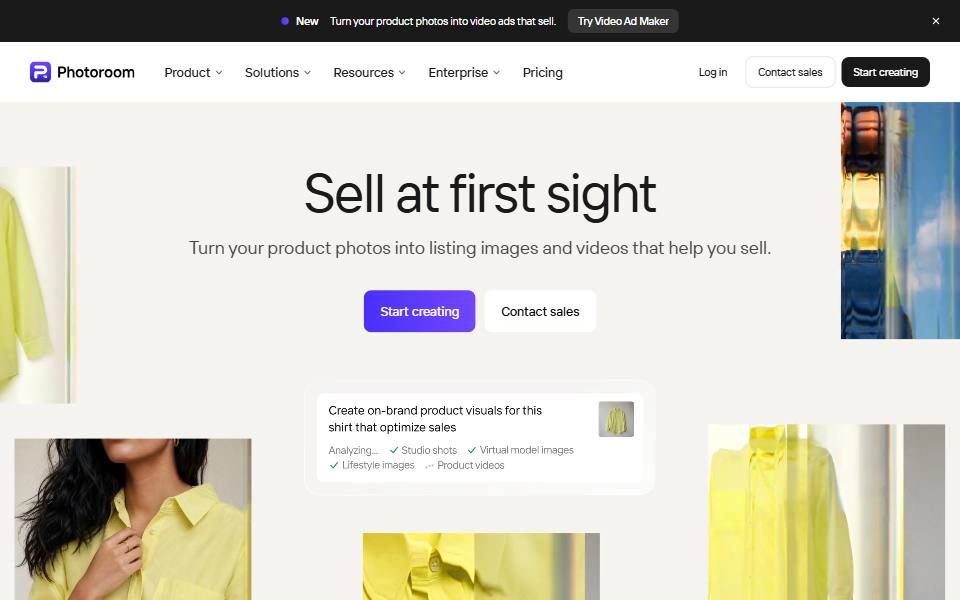
What is Photoroom?

Photoroom is built for e-commerce: remove the background from a product shot, drop it onto a generated scene with matching shadows and lighting, and export in the sizes marketplaces want.

Batch editing and templates make it practical for sellers with large catalogs, and an API lets platforms add the same features.

Key features

  • Background removal
  • AI backgrounds and shadows
  • Batch editing
  • Marketplace templates
  • API

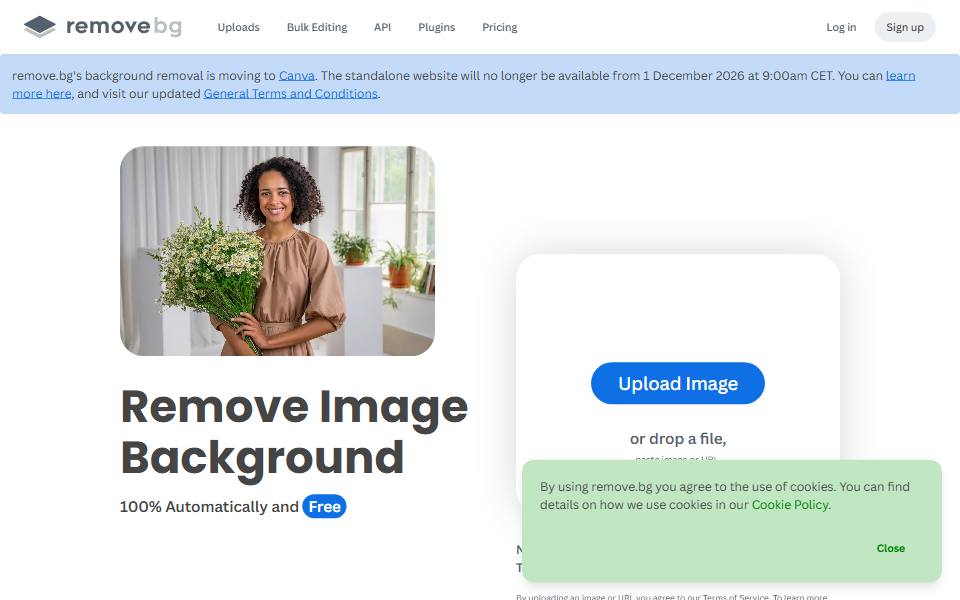
What is remove.bg?

remove.bg does one thing: upload a photo and get the subject cut out on a transparent background, with hair and edges handled well. It has been a standard tool for this job for years.

There are desktop apps, plugins for design tools and an API for bulk or automated use. remove.bg is part of Canva.

Key features

  • One-click background removal
  • Good hair and edge detail
  • Bulk processing
  • Design tool plugins
  • API

Key differences between Photoroom and remove.bg

Our take: Photoroom or remove.bg?

remove.bg is the simplest choice if all you need is a clean cut-out, one image at a time or in bulk through its API. Photoroom goes further for online sellers: it removes the background and then places the product on AI-generated scenes, shadows and templates, with batch editing and a mobile app. Developers automating cut-outs prefer remove.bg; shop owners making listing photos prefer Photoroom.

Photoroom vs remove.bg pricing

Photoroom · Freemium

Photoroom has a free plan; paid plans unlock more usage and features.

remove.bg · Freemium

remove.bg has a free plan; paid plans unlock more usage and features.

Plans and prices change often; check both official pricing pages before you pay.

Should you choose Photoroom or remove.bg?

Choose Photoroom for:

  • Marketplace listings
  • Product catalogs
  • Social posts for shops
See Photoroom alternatives

Choose remove.bg for:

  • Profile pictures
  • Product cut-outs
  • Design assets
See remove.bg alternatives

Photoroom vs remove.bg: FAQ

Is Photoroom free?
Photoroom has a free plan; paid plans unlock more usage and features.
Is remove.bg free?
remove.bg has a free plan; paid plans unlock more usage and features.
Do Photoroom and remove.bg have an API?
Yes, both offer an API for developers.
Do Photoroom and remove.bg have a mobile app?
Photoroom has a mobile app (iOS, Android); remove.bg runs on Web, Windows, macOS, API.
Is Photoroom or remove.bg better for marketplace listings?
Photoroom lists it among its main uses (marketplace listings, product catalogs, social posts for shops). remove.bg is aimed more at profile pictures, product cut-outs, design assets.
Is Photoroom or remove.bg better for profile pictures?
remove.bg lists it among its main uses (profile pictures, product cut-outs, design assets). Photoroom is aimed more at marketplace listings, product catalogs, social posts for shops.
What platforms do Photoroom and remove.bg run on?
Photoroom runs on Web, iOS, Android, API. remove.bg runs on Web, Windows, macOS, API.
What are good alternatives to Photoroom and remove.bg?
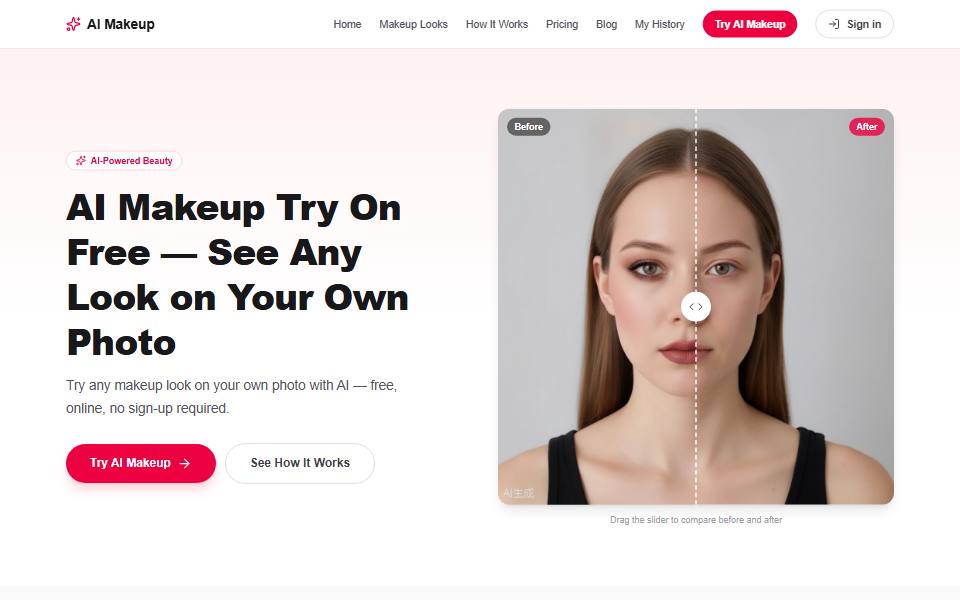
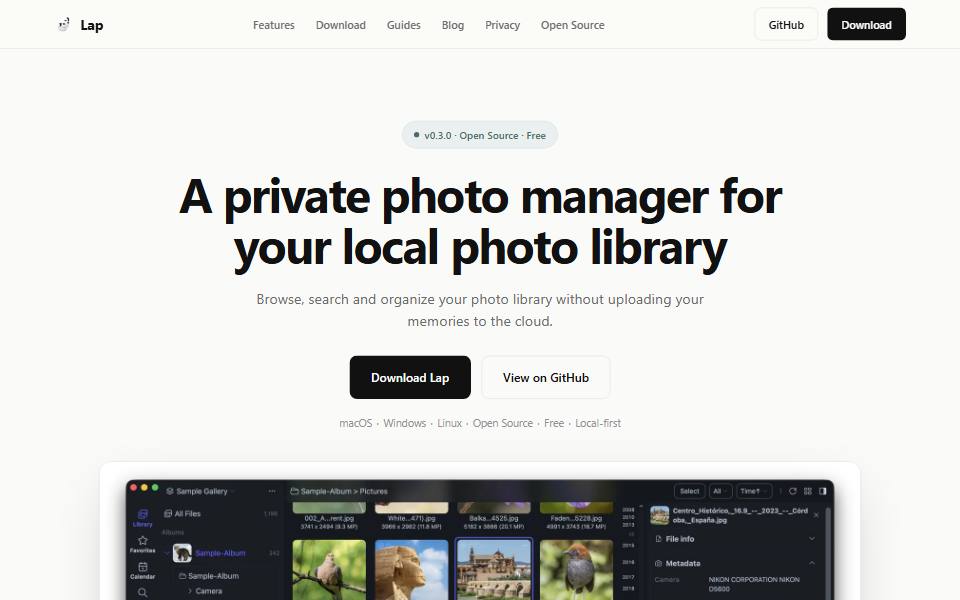
Other Background Removers worth a look: aitrytry, Lap Photos, Clipdrop, Picsart.
How did we compare Photoroom and remove.bg?
We compared what each tool does, how it charges, the platforms it runs on and the jobs it is built for, using each product's official site and documentation. Both listings were last reviewed on 2026-10-23; plans and features change, so check the official sites before you subscribe.

Written by the H3 Max team from public information. Prices and features change — check the official site before you buy.


More Background Removers