Skip to content
H3 Max
TvsM

Topaz Labs vs Magnific AI: Which Is Better?

Topaz is desktop software that upscales faithfully, video included; Magnific is a web tool that re-imagines detail as it upscales.

Topaz Labs vs Magnific AI at a glance

Topaz LabsMagnific AI
PricingPaidPaid
PlatformsWindows, macOS, WebWeb, API
Made byTopaz LabsFreepik
CategoryImage UpscalersImage Upscalers
Best for
  • Photo restoration
  • Upscaling old video
  • Print enlargements
  • Upscaling AI art
  • Print-ready images
  • Architecture and product renders
Last reviewed2026-10-232026-10-23

What is Topaz Labs?

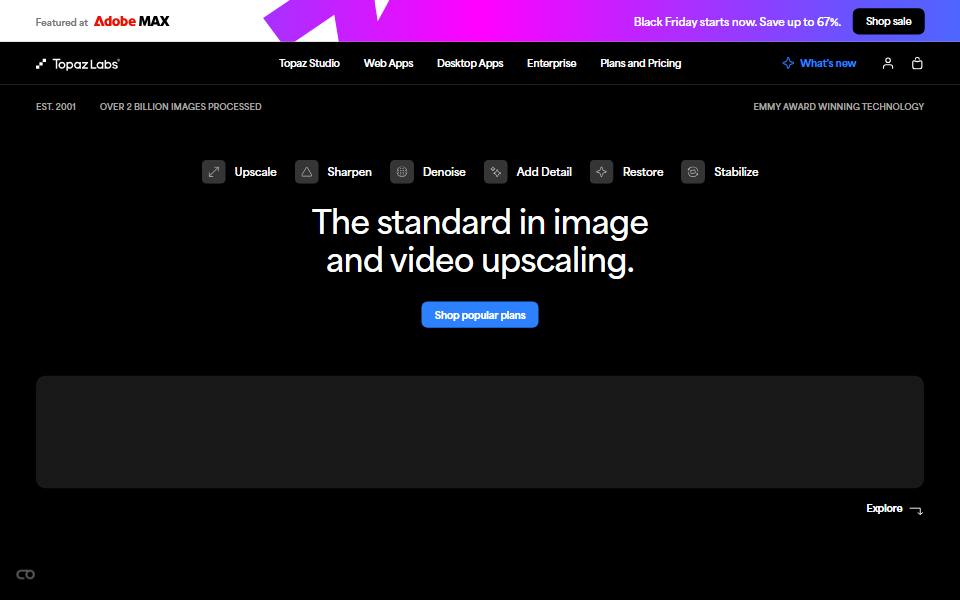
Topaz Labs makes desktop apps that run AI enhancement on your own computer: Gigapixel for upscaling photos, Photo AI for denoising and sharpening, and Video AI for upscaling, frame interpolation and stabilizing footage.

Photographers and video editors use them to rescue noisy shots, restore old footage and deliver higher resolutions.

Key features

  • Photo upscaling (Gigapixel)
  • Denoise and sharpen
  • Video upscaling and frame interpolation
  • Runs locally
  • Plugins for editing apps

What is Magnific AI?

Magnific is a creative upscaler: rather than only sharpening, it re-imagines detail — skin texture, foliage, fabric — guided by a prompt and a “creativity” slider. Results can look far richer than the original.

It also offers relighting and style transfer. Magnific is part of Freepik.

Key features

  • Creative upscaling
  • Creativity and resemblance controls
  • Prompt-guided detail
  • Relight and style transfer

Key differences between Topaz Labs and Magnific AI

Our take: Topaz Labs or Magnific AI?

Topaz runs on your own computer and focuses on faithful enhancement: sharpening, denoising and upscaling photos and video without inventing new content. Magnific runs in the browser and uses generative AI to add new detail as it upscales, which can look stunning on artwork and renders but can change faces and textures. Photographers usually want Topaz; digital artists experimenting with detail often enjoy Magnific.

Topaz Labs vs Magnific AI pricing

Topaz Labs · Paid

No, Topaz Labs is a paid product.

Magnific AI · Paid

No, Magnific AI is a paid product.

Plans and prices change often; check both official pricing pages before you pay.

Should you choose Topaz Labs or Magnific AI?

Choose Topaz Labs for:

  • Photo restoration
  • Upscaling old video
  • Print enlargements
See Topaz Labs alternatives

Choose Magnific AI for:

  • Upscaling AI art
  • Print-ready images
  • Architecture and product renders
See Magnific AI alternatives

Topaz Labs vs Magnific AI: FAQ

Is Topaz Labs free?
No, Topaz Labs is a paid product.
Is Magnific AI free?
No, Magnific AI is a paid product.
Do Topaz Labs and Magnific AI have an API?
Magnific AI offers an API; Topaz Labs does not list a public one.
Do Topaz Labs and Magnific AI have a mobile app?
Neither has a mobile app. Topaz Labs runs on Windows, macOS, Web; Magnific AI on Web, API.
Is Topaz Labs or Magnific AI better for photo restoration?
Topaz Labs lists it among its main uses (photo restoration, upscaling old video, print enlargements). Magnific AI is aimed more at upscaling AI art, print-ready images, architecture and product renders.
Is Topaz Labs or Magnific AI better for upscaling AI art?
Magnific AI lists it among its main uses (upscaling AI art, print-ready images, architecture and product renders). Topaz Labs is aimed more at photo restoration, upscaling old video, print enlargements.
What platforms do Topaz Labs and Magnific AI run on?
Topaz Labs runs on Windows, macOS, Web. Magnific AI runs on Web, API.
What are good alternatives to Topaz Labs and Magnific AI?
Other Image Upscalers worth a look: Let’s Enhance, Upscayl, CapCut, Captions, Descript, OpusClip.
How did we compare Topaz Labs and Magnific AI?
We compared what each tool does, how it charges, the platforms it runs on and the jobs it is built for, using each product's official site and documentation. Both listings were last reviewed on 2026-10-23; plans and features change, so check the official sites before you subscribe.

Written by the H3 Max team from public information. Prices and features change — check the official site before you buy.

More Image Upscalers